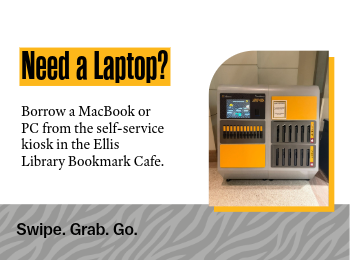
Students, faculty and staff who need a laptop can check one out from a new self-service kiosk in the Ellis Library Bookmark Café. The kiosk offers both MacBooks and PCs with standard Mizzou software, as well as portable battery chargers.
Laptops can be checked out for up to 24 hours with a valid MU ID card or digital ID.
Checking out the laptop requires four easy steps:
- SELECT
Choose a Mac, PC or battery pack - SWIPE
Use your valid MU ID - GO!
It’s yours for 24 hours - LOG OFF and RETURN
Don’t forget to log off before you return the laptop to the kiosk.